Ask FI
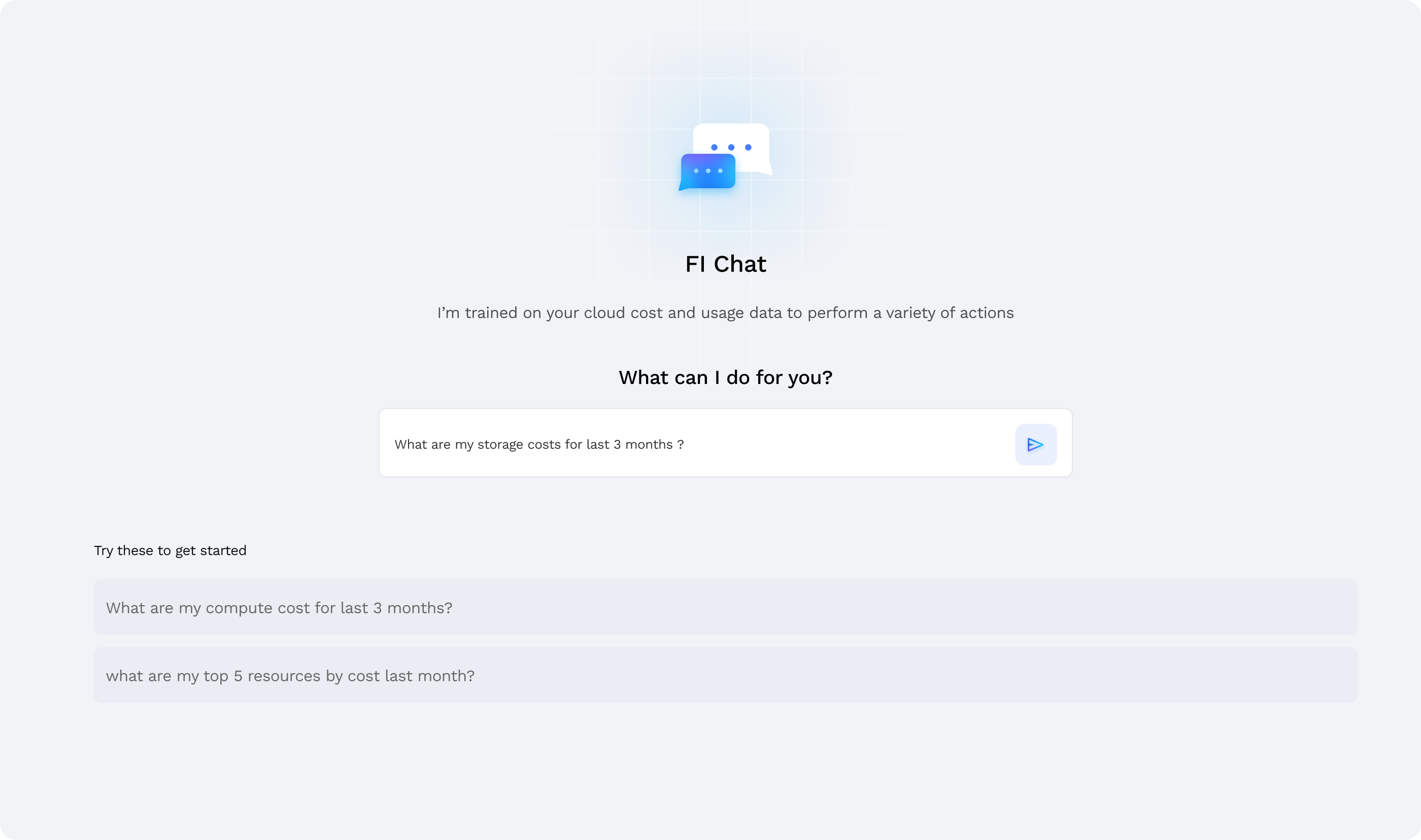
FinOps Intelligence enables analysis of cloud cost and usage data through natural-language conversations.
Overview
Ask FI is an intelligent cloud cost analyst powered by advanced natural language processing. Instead of navigating complex dashboards or writing complicated queries, users can ask questions in plain English about cloud spending, usage patterns, anomalies, and optimization opportunities, enabling them to analyze cost trends, detect anomalies, and gain visibility into resource utilization with instant, accurate answers backed by actual cloud data. The feature understands context and supports follow-up questions, making it easy to explore specific areas and gain deeper insights. Going beyond basic queries, it provides intelligent visualizations, downloadable reports, and actionable insights, catering to every persona — from cloud cost analysts to engineering teams — by delivering context-driven answers that address specific needs, and can be used by anyone, regardless of their role, to gain valuable insights into cloud costs.
Key Features & Highlights
Natural Language Queries
What it does: Allows users to ask questions in plain English and receive SQL-accurate results.
Why you'll love it: Eliminates the need for SQL expertise, enabling anyone to analyze cloud cost and usage.
Smart Charts
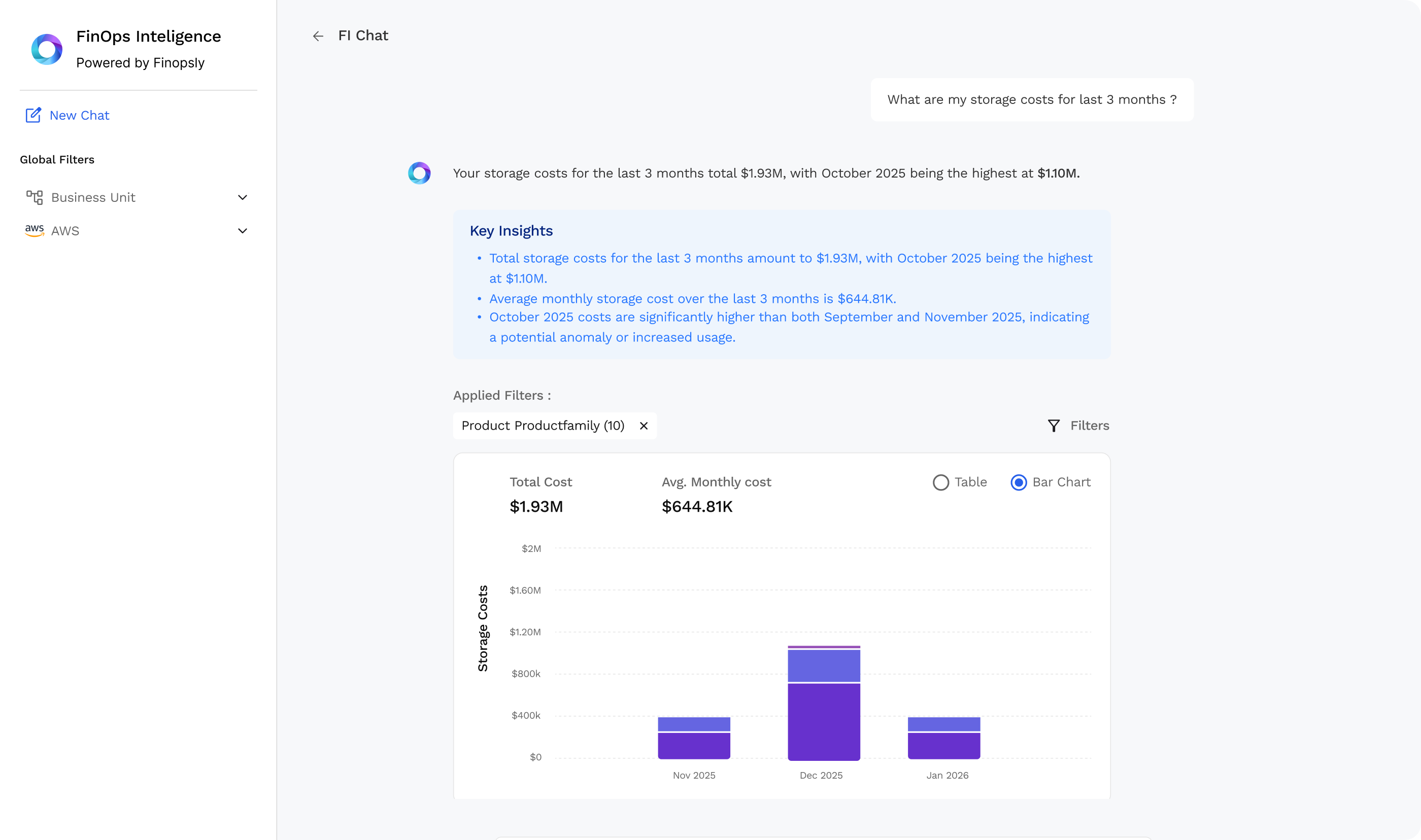
What it does: Automatically selects the most suitable chart or visualization for the query.
Why you'll love it: Delivers clean, interactive visualizations.
Download Your Data
What it does: Enables downloading of datasets and chart images.
Why you'll love it: Lets users save CSV's and PNG visuals.
AI Insights
What it does: FI-Chat analyses the returned data and provides AI-driven useful insights.
Why you'll love it: Helps surface hidden trends, anomalies, and optimization opportunities.
Do's & Don'ts
Best Practices
Select the Correct Business Unit Using Filters
Instead of mentioning the Business Unit directly in your prompt, choose the BU from the sidebar filters.
Be Specific in Your Queries
Provide clear details such as service, metric, and time range so FI-Chat can return accurate insights.
Examples:
- "What were my EC2 costs for the last 3 months?"
- "Show me costs for Azure Virtual Machines last month."
- Why it helps: FI-Chat generates precise SQL in the background, so the more specific the question, the better the results.
Use Filters Effectively
Set required CSP and Business Units from the sidebar to automatically apply them throughout the conversation.
Ask Clear Follow-up Questions
When asking follow-ups, refer to previous results using pronouns or context, so FI knows what you are referencing.
Examples:
- "Break these down by cost."
- "Compare them by month."
- Why it helps: FI-Chat keeps context, allowing you to continue the conversation naturally.
Common Mistakes to Avoid
Vague questions
Avoid asking general or ambiguous questions that lack direction.
Examples:
- "Tell me my costs." → Which service? Which time period?
- "What were my services?" → What about them?
Missing Critical Information
Queries without a metric or time range produce unclear or incomplete results.
Examples:
- "What were my costs for AWS services?" → Missing time range
- "What were my costs for AWS services in the last 3 months?" → Better
- "Compare EC2 and S3 last month." → Missing metric
- "Compare EC2 costs and S3 costs last month." → Correct